Master Kubernetes Deployments
Kubernetes has become a game-changer in managing containerized applications, and at the heart of this system are Deployments. Kubernetes Deployments simplify the management, scaling, and updating of your applications, ensuring high availability and resilience. In this blog, we’ll dive deep into the key features of Kubernetes Deployments and explore how they can elevate your DevOps game.
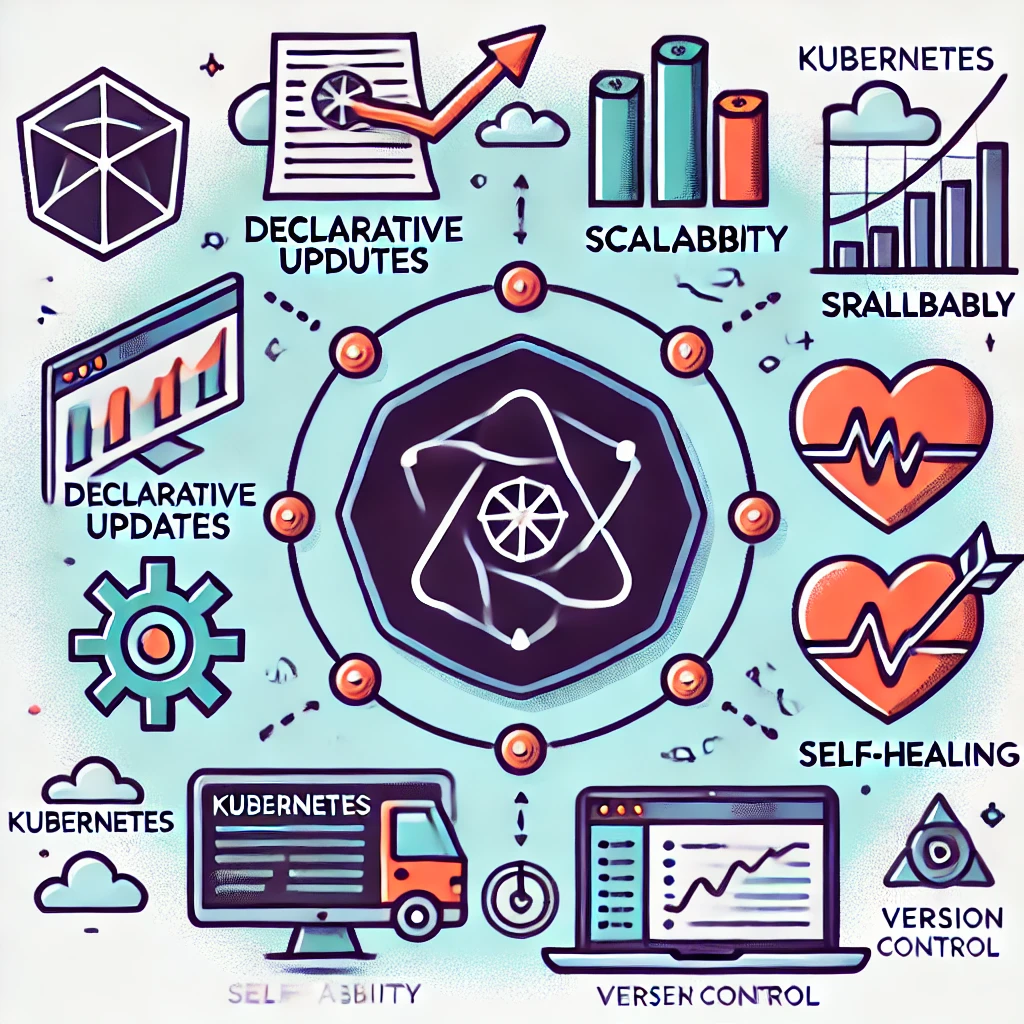
1. Declarative Updates: Define Your Desired State
One of the most powerful features of Kubernetes Deployments is their ability to manage applications declaratively. You define the desired state of your application in a manifest file, and Kubernetes takes care of the rest. This approach allows for a more predictable and manageable environment, letting you specify:
How many replicas of your application should run.
The exact version of your container image.
The resources required for optimal performance.
Why It Matters: Declarative updates enable you to automate complex application management tasks. Kubernetes continuously works to match the current state of the application to the desired state defined in your Deployment file, making changes and adjustments automatically.

Example:
apiVersion: apps/v1
kind: Deployment
metadata:
  name: my-app
spec:
  replicas: 3
  template:
    spec:
      containers:
      - name: app-container
        image: my-app:1.0
With this setup, Kubernetes ensures that three replicas of my-app version 1.0 are always running.
2. Scalability: Scale Up or Down with Ease
Scalability is crucial in today’s dynamic environments. Kubernetes Deployments make scaling as simple as updating a number in your configuration. Whether you’re facing a traffic surge or a downtime period, you can adjust the number of running instances on the fly.
Why It Matters: Scaling your application up or down helps optimize resources, reduce costs, and maintain performance levels that match user demand.
Real-World Use Case: An e-commerce platform experiences high traffic during Black Friday sales. With Kubernetes, you can scale your application pods from 5 to 50 replicas to handle the load, then scale back once the traffic subsides.
kubectl scale deployment my-app --replicas=50
3. Rollback: Revert to Previous Versions Instantly
Deployments in Kubernetes allow you to roll back to a previous version if something goes wrong during an update. This feature is vital in maintaining application stability, especially when you push updates that may have unexpected results.
Why It Matters: Rollbacks provide a safety net, ensuring that if a new deployment introduces a bug, you can quickly revert to a known stable state.
Example Command:
kubectl rollout undo deployment my-app
Imagine pushing a faulty update during peak hours. With the rollback feature, you can immediately revert and minimize disruption.
4. Self-Healing: Automatic Replacement of Failed Pods
Self-healing is one of the core principles of Kubernetes, and Deployments play a significant role in maintaining the health of your application. If a pod fails, Kubernetes automatically replaces it with a new one, maintaining the desired number of replicas.
Why It Matters: Self-healing ensures your application remains available and reduces manual intervention in case of failures.
Scenario: A pod crashes due to an unexpected error. Kubernetes detects the failure and immediately spins up a new pod, maintaining the application's availability without human intervention.
5. Version Control: Track Changes and Maintain Consistency
Kubernetes Deployments inherently support version control, allowing you to manage different versions of your application effortlessly. By using tags and maintaining a history of Deployment changes, you can easily track updates, rollbacks, and other modifications.
Why It Matters: Version control keeps your environment organized and consistent, enabling you to troubleshoot effectively and maintain the quality of your deployments.
Practical Insight: Using tags like :v1.0, :v2.0, etc., helps you maintain a clear version history. If you discover a bug in version 2.0, you can quickly switch back to version 1.0 while you work on a fix.
Conclusion
Kubernetes Deployments are more than just a way to launch applications—they are your control center for scaling, updating, and maintaining application health with minimal effort. From declarative updates that let Kubernetes handle the hard work, to self-healing and rollback features that keep your app running smoothly, Deployments are essential tools in any DevOps professional’s arsenal.
Ready to put these features into action? Explore Kubernetes Deployments in your next project and see the difference they can make in application management. Don’t forget to check out the Kubernetes documentation for deeper insights.
Follow Me for More Insights!
If you enjoyed this post, connect with me on LinkedIn and follow me on Twitter (X) for more updates on Kubernetes, DevOps, and container orchestration.


